

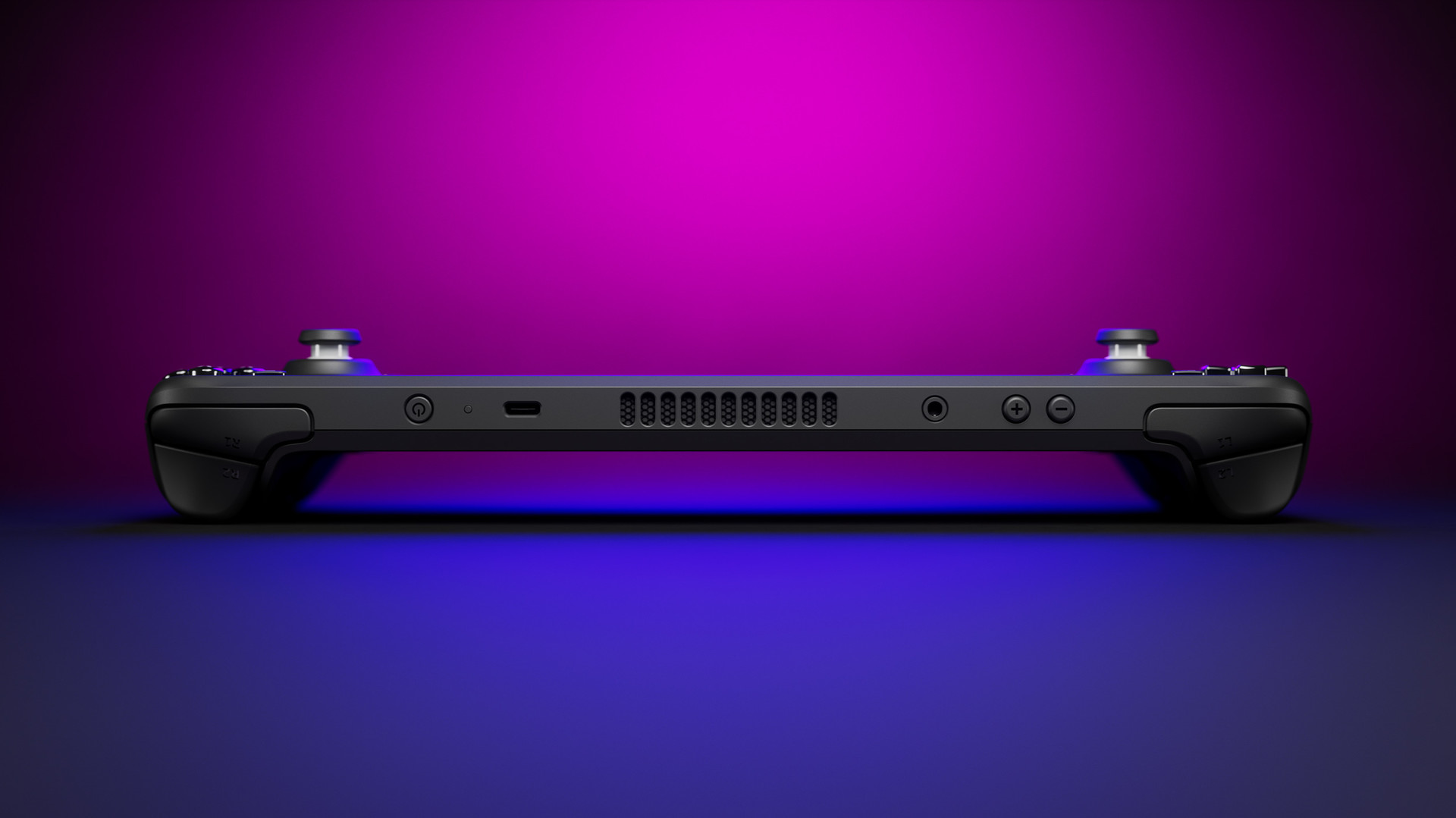
Whether you play on an Xbox Wireless Controller, DualSense Edge, or custom hall-effect gamepad on PC, fine-tuning your controller’s input response curves can dramatically improve your tracking accuracy, target acquisition, and recoil management.
Here is the definitive guide to dialling in your controller settings across PC shooters in 2026.
Recommended Baseline Settings for Competitive PC Shooters
| Setting Option | Recommended Competitive Value | Why It Matters |
|---|---|---|
| Left Stick Min Deadzone | 0.02 – 0.04 | Eliminates idle drift while providing instantaneous directional movement. |
| Left Stick Max Deadzone | 0.90 | Triggers maximum sprint velocity without needing to push the stick to the plastic rim. |
| Right Stick Min Deadzone | 0.03 – 0.05 | Keeps micro-aim adjustments responsive without accidental crosshair float. |
| Right Stick Max Deadzone | 0.95 – 0.99 | Ensures consistent full-speed panning during 180-degree defensive turns. |
| Aim Response Curve | Dynamic / S-Curve | Fine-tuned slow tracking in the center with high-speed turns at maximum deflection. |
| Look Sensitivity (Horiz/Vert) | 6 / 6 or 7 / 7 | Balanced turning speed that pairs with reliable muscle memory. |
| ADS Sensitivity Multiplier | 0.80x – 0.90x | Slows aiming speed when scoping in for accurate recoil control. |
Hall Effect vs. Potentiometer Gamepads
- Hall Effect Magnetic Sensors: Uses magnets rather than physical friction wipers to track stick location. They effectively eliminate physical stick drift over time, allowing you to run ultra-tight 0.01–0.02 deadzones for years.
- Overclocking PC Polling Rates: If you play on PC via USB-C, third-party utilities (like LordOfMice HIDUSBF) allow you to overclock controller polling rates from standard 125Hz/250Hz up to 1,000Hz (1ms input delay).
Looking for competitive handheld hardware? Compare the Steam Deck OLED vs. ASUS ROG Ally X to see how each device handles high-precision analog control.



Discussion & Responses