

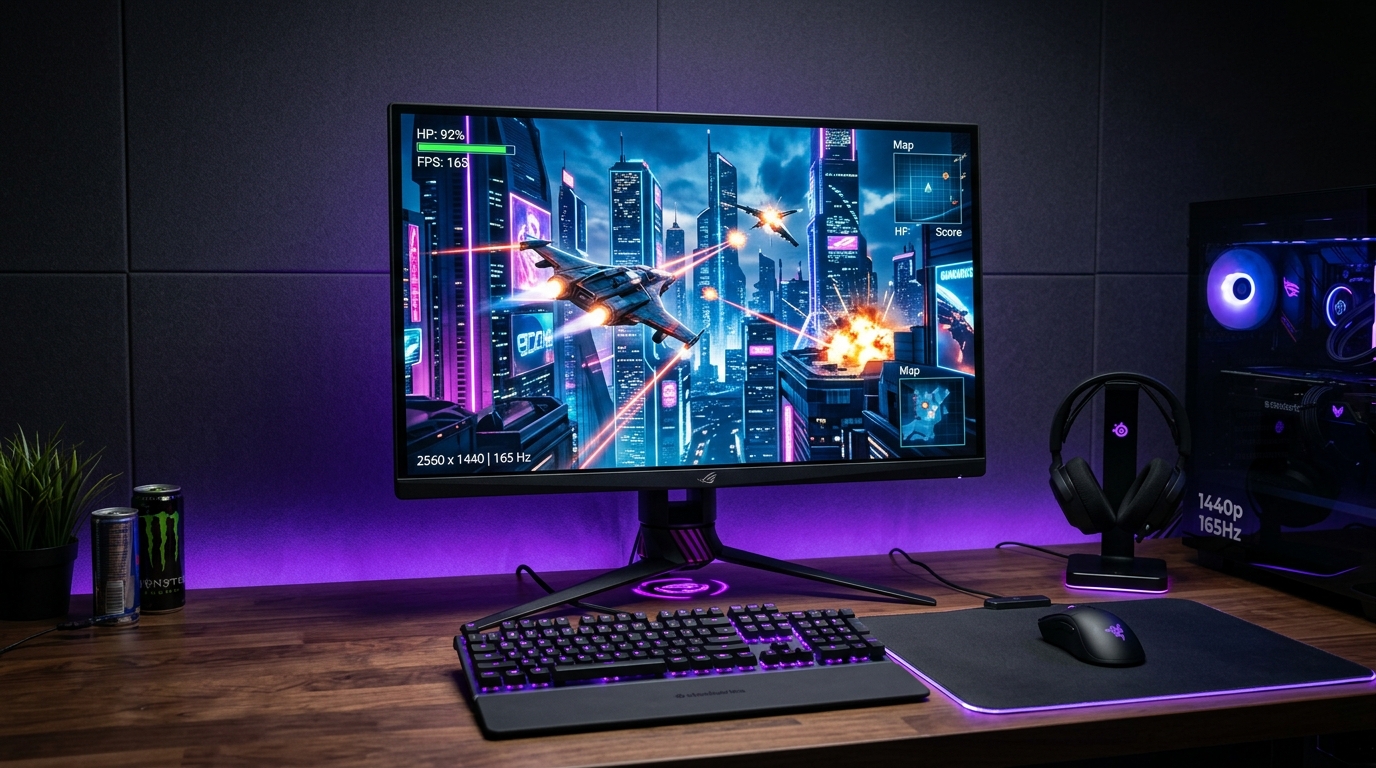
The 2560x1440 (QHD) resolution remains the undisputed sweet spot for PC gaming, delivering 77% more screen real estate and sharper pixel density than standard 1080p without demanding a flagship $1,000 graphics card. Thanks to rapid advancements in Fast IPS panel manufacturing, you no longer have to spend $400+ to get buttery-smooth high-refresh gaming.
If you are looking to upgrade your battle station on a budget, here are the top 5 best 1440p gaming monitors available right now under the $250 mark.
Quick Comparison: Best Budget 1440p Monitors
| Monitor | Panel Type | Refresh Rate | Response Time | Stand Adjustability | Best For |
|---|---|---|---|---|---|
| Gigabyte M27Q (Rev 2.0) | 27” SS-IPS | 170Hz | 0.5ms (MPRT) | Height / Tilt | Best Overall Value |
| Dell G2724D | 27” Fast IPS | 165Hz | 1ms (GtG) | Full Ergonomic | Best Color & Ergonomics |
| ASUS TUF VG27AQ1A | 27” IPS | 170Hz (OC) | 1ms (MPRT) | Tilt Only | Best for Motion Blur Tech |
| AOC Q27G3XMN | 27” Mini-LED VA | 180Hz | 1ms (GtG) | Height / Tilt / Swivel | Best HDR / Contrast |
| Koorui GN07 / 27E1Q | 27” Fast IPS | 170Hz | 1ms (GtG) | Basic Tilt | Best Ultra-Budget (~$170) |
1. Gigabyte M27Q (Rev 2.0) – The Undisputed Best Overall
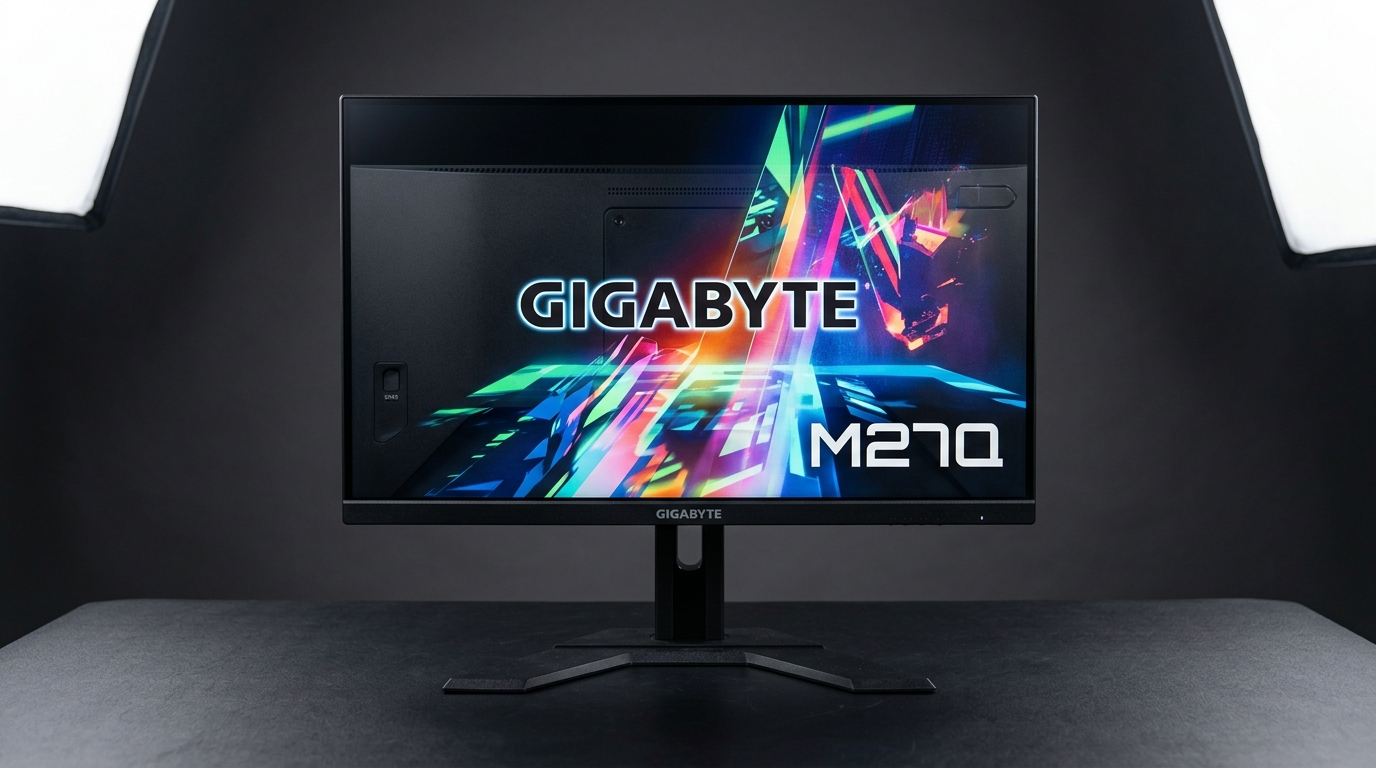
The Gigabyte M27Q continues to dominate the sub-$250 category. Featuring a 27-inch Super Speed IPS panel running at 170Hz, it delivers exceptional motion clarity with negligible overshoot or ghosting.
- Key Strengths: Built-in KVM switch (control two PCs with one keyboard/mouse), 95% DCI-P3 wide color gamut, and solid factory calibration.
- Drawback: The stand lacks swivel adjustment, though it includes a standard 100x100 VESA mount.
2. Dell G2724D – Premium Build Quality and Color Accuracy
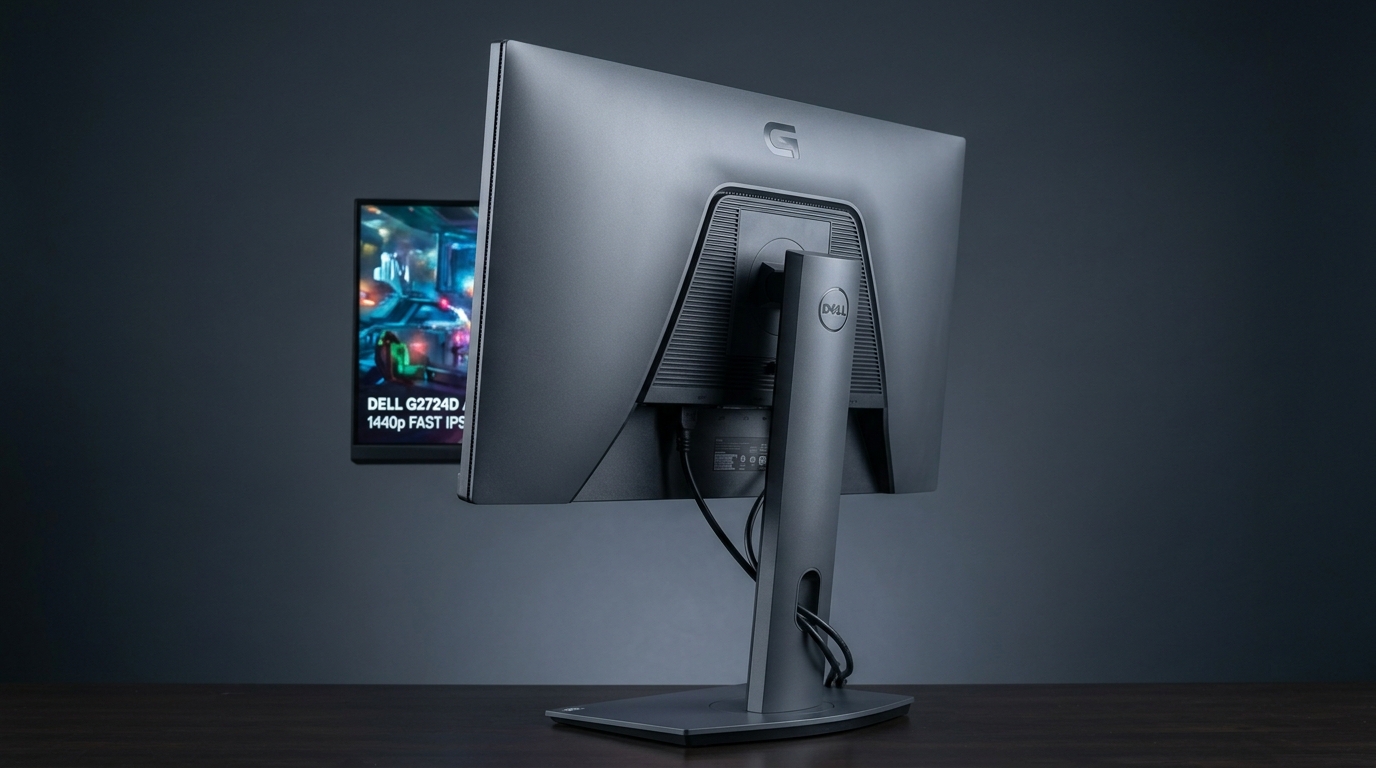
Dell’s entry-level gaming monitor punches well above its price class with a standout fully ergonomic stand (height, tilt, swivel, and pivot) and an ultra-clean aesthetic.
- Key Strengths: Outstanding out-of-the-box sRGB clamp mode for creators, official NVIDIA G-Sync Compatible certification, and zero backlight bleed issues common in budget IPS displays.
- Drawback: Lacks built-in audio or dedicated USB passthrough ports.
3. AOC Q27G3XMN – The Budget HDR and Mini-LED King
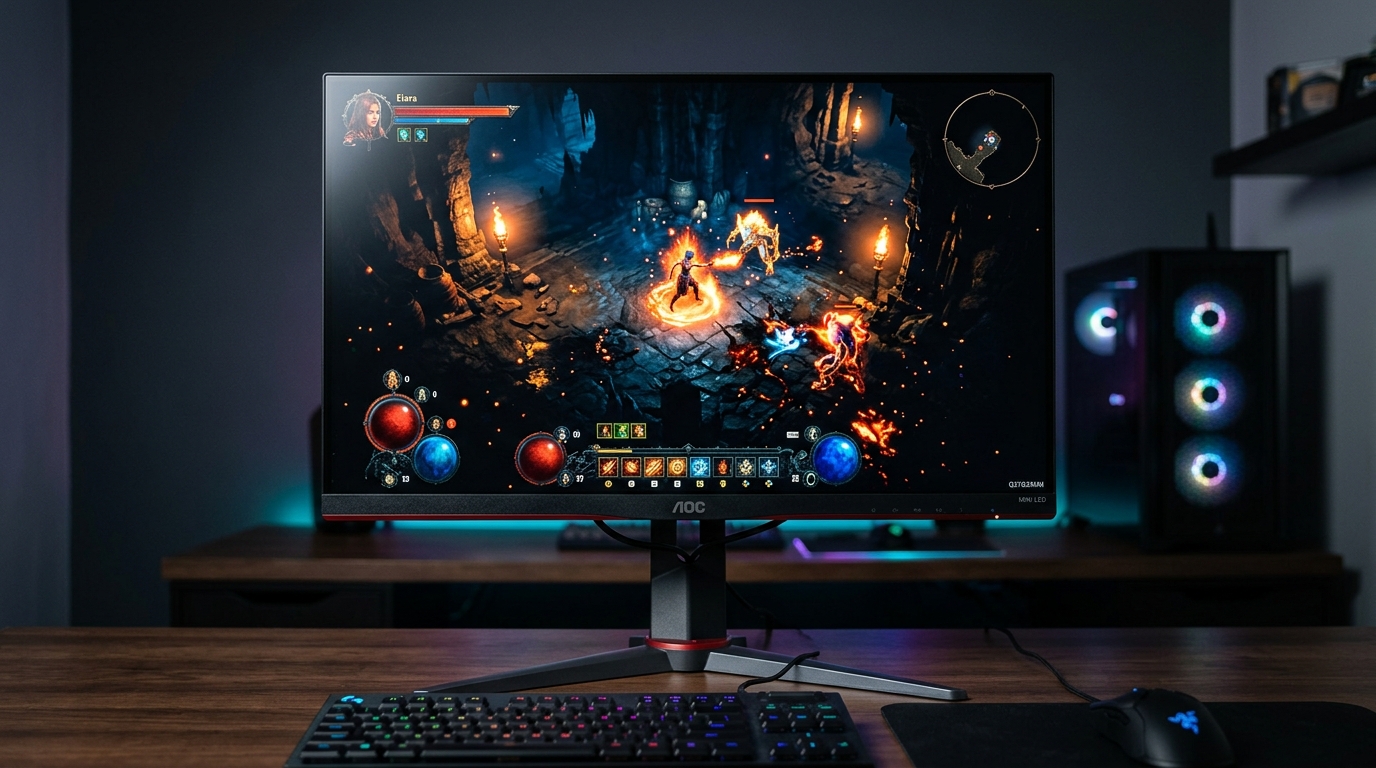
If you play cinematic single-player titles like Cyberpunk 2077 or Alan Wake 2, traditional IPS panels can look washed out in dark scenes. The AOC Q27G3XMN solves this by packing true Mini-LED local dimming into a sub-$250 price point.
- Key Strengths: True HDR performance with deep blacks, high peak brightness over 1000 nits, and 180Hz refresh rate.
- Drawback: VA panel viewing angles are narrower than IPS, and dark-level pixel transitions can show minor smearing in competitive shooters.
4. ASUS TUF Gaming VG27AQ1A – Rock-Solid Motion Clarity
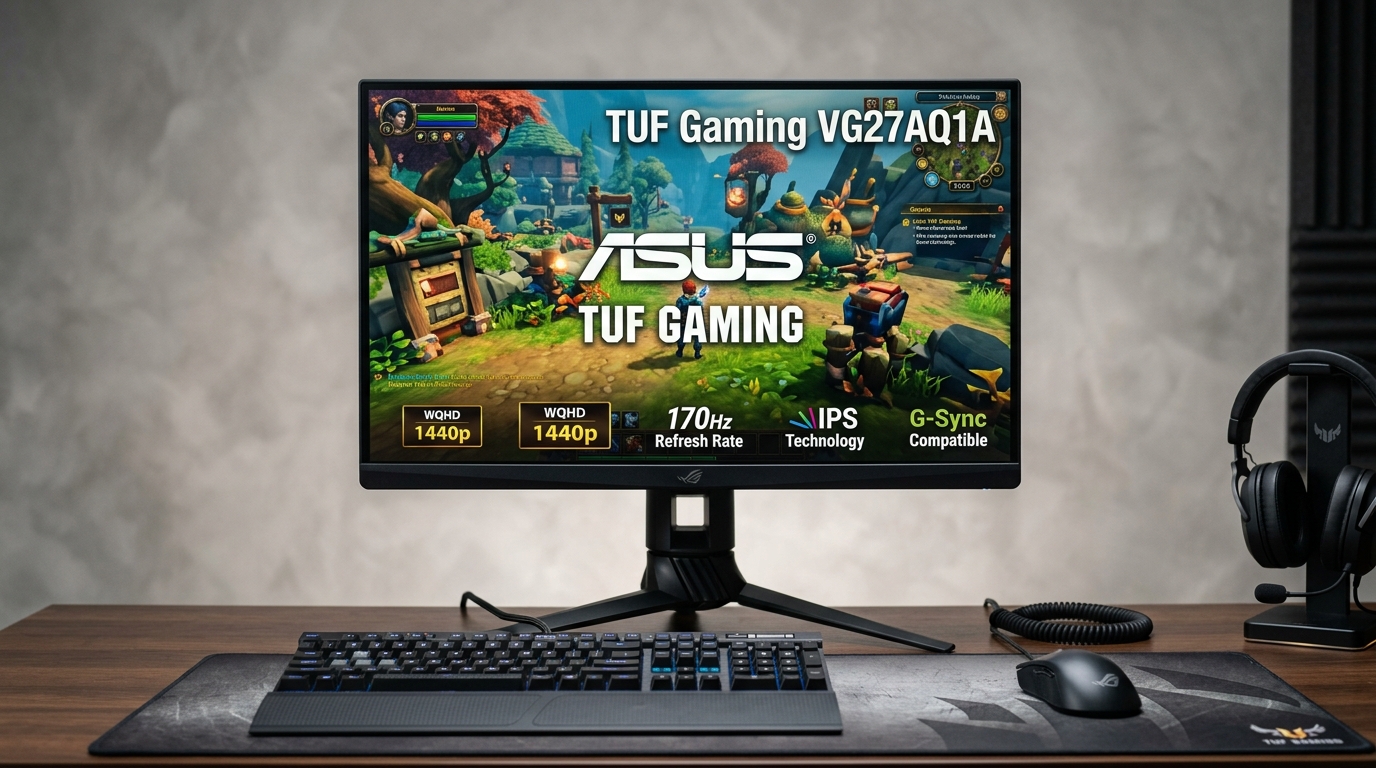
The VG27AQ1A features ASUS’s proprietary ELMB Sync (Extreme Low Motion Blur), allowing back-light strobing to run simultaneously with Variable Refresh Rate (G-Sync/FreeSync).
- Key Strengths: Eliminates motion blur entirely in fast-paced competitive esports titles like Apex Legends and Valorant.
- Drawback: The stock stand is tilt-only, so budget a VESA desk arm for height adjustment.
5. Koorui 27” Fast IPS – The Best Sub-$180 Option
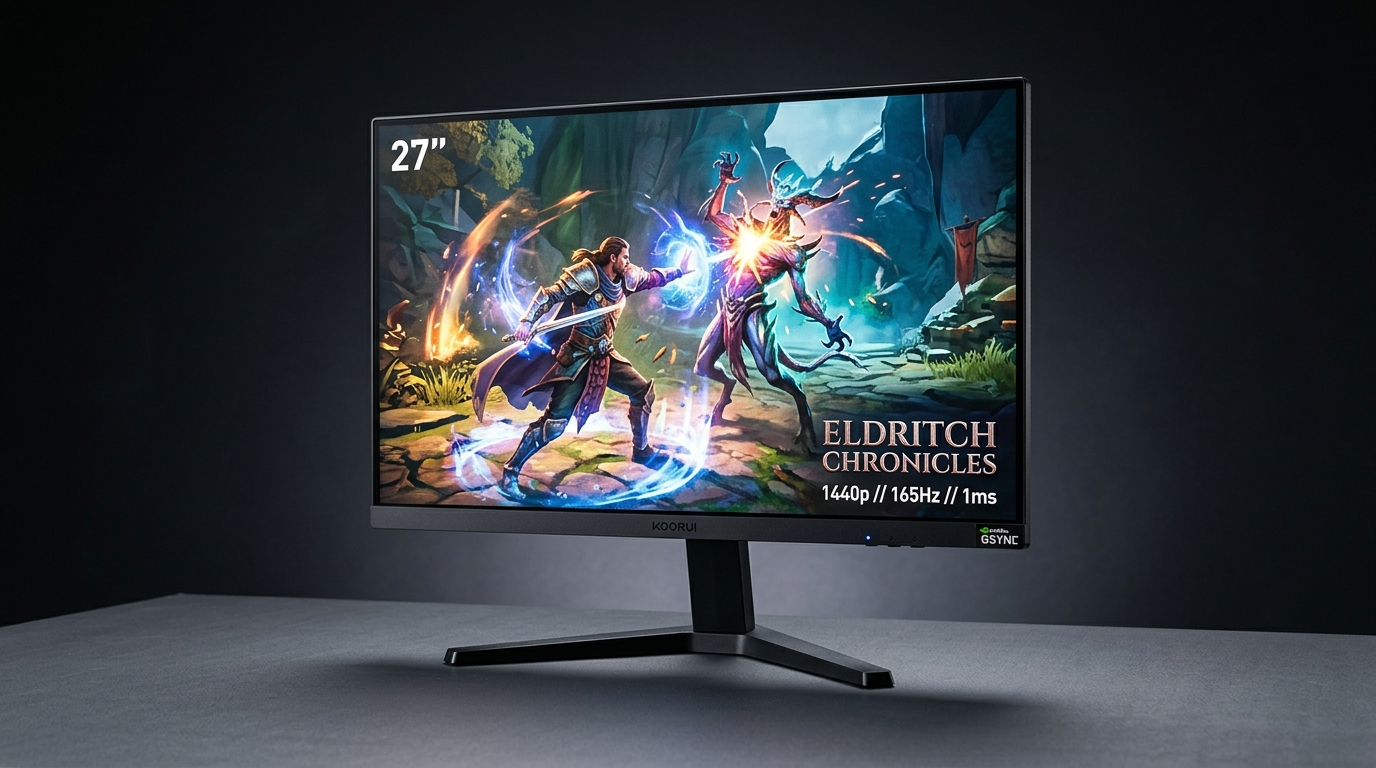
For shoppers strictly watching their wallet, Koorui delivers a genuine Fast IPS 1440p 170Hz experience often on sale between $160 and $180.
- Key Strengths: Unbeatable price-to-performance ratio with vibrant colors and FreeSync support.
- Drawback: Basic plastic construction and limited on-screen display (OSD) controls.
Buying Advice: What to Prioritize in 2026
- Avoid TN Panels: Fast IPS and modern VA have rendered TN panels obsolete; there is no reason to sacrifice color quality for response times anymore.
- Check for DisplayPort 1.4: To run 1440p at 165Hz+ with 10-bit color without chroma subsampling, always connect via DisplayPort rather than older HDMI 2.0 cables.
- Mounting: If you choose a monitor with a basic tilt-only stand, look for a $25–$30 single-monitor VESA desk arm to reclaim desk space and get ideal eye-level ergonomics.


Discussion & Responses